Build Your Personalized Quran Experience

The more comfortable your reading experience is, the easier it becomes to spend time with the Quran.
Quran.com gives you the flexibility to customize your reading experience, from the way verses are displayed to the translations, reciters, themes, and reading tools you use every day. Take a few moments to explore the settings and create a setup that feels right for you.
Access the Settings Menu
Most customization options can be found in the Settings menu while reading any surah.
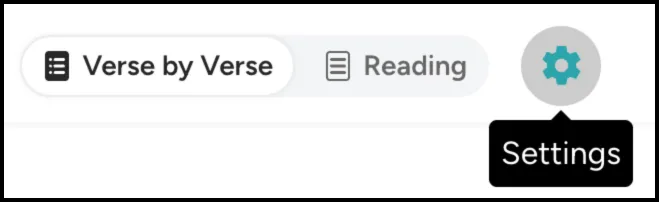
You may also access the settings menu from the 3-dot menu icon (⋯) available on every ayah.
From here, you can personalize nearly every aspect of your reading experience.
Customize How Verses Are Displayed
One of the first things you may want to adjust is how the Quran appears on your screen.
Within the settings menu, you can:
Choose between Arabic, Translation, or Word-by-Word views
Show or hide transliterations
Display one or multiple translations
Adjust how verses and translations are presented
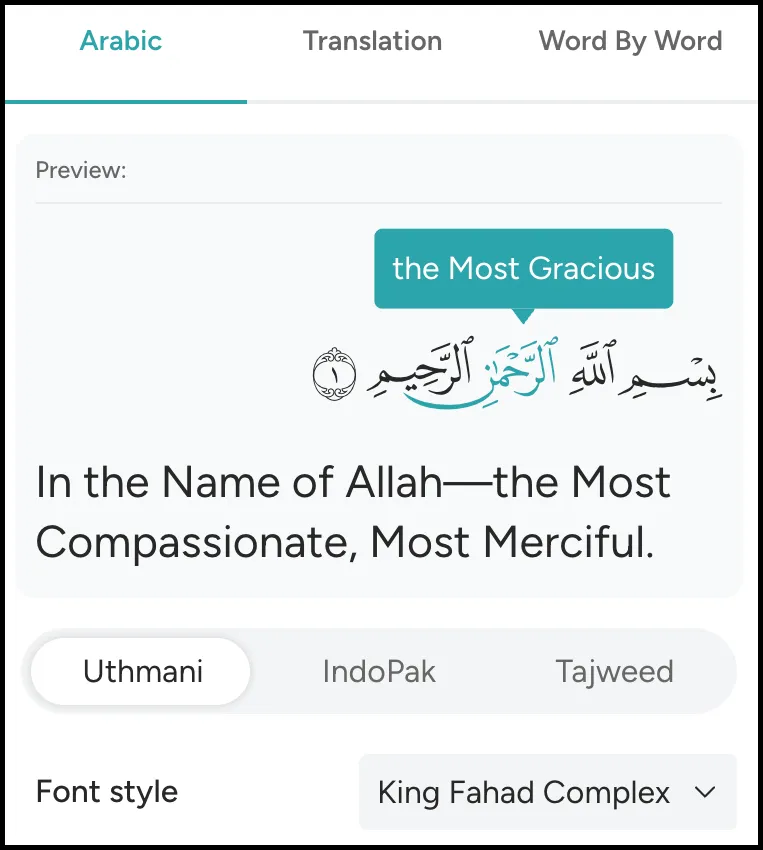
Choose the Arabic Script You Prefer
Quran.com supports multiple script options, allowing you to read in the style that feels most familiar and comfortable.
Available options include:
Uthmani Script
IndoPak Script
Tajweed Script
If you've learned to read using a particular script, selecting it can make your reading experience feel more natural and enjoyable.

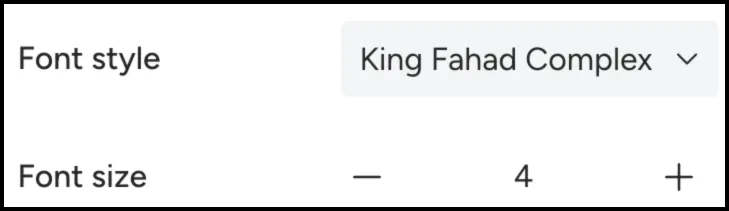
Adjust Font Sizes for Maximum Comfort
You can increase or decrease the size of both the Arabic text and translations to find a layout that feels comfortable on your device.
A few small adjustments can make a significant difference, especially during longer reading sessions.
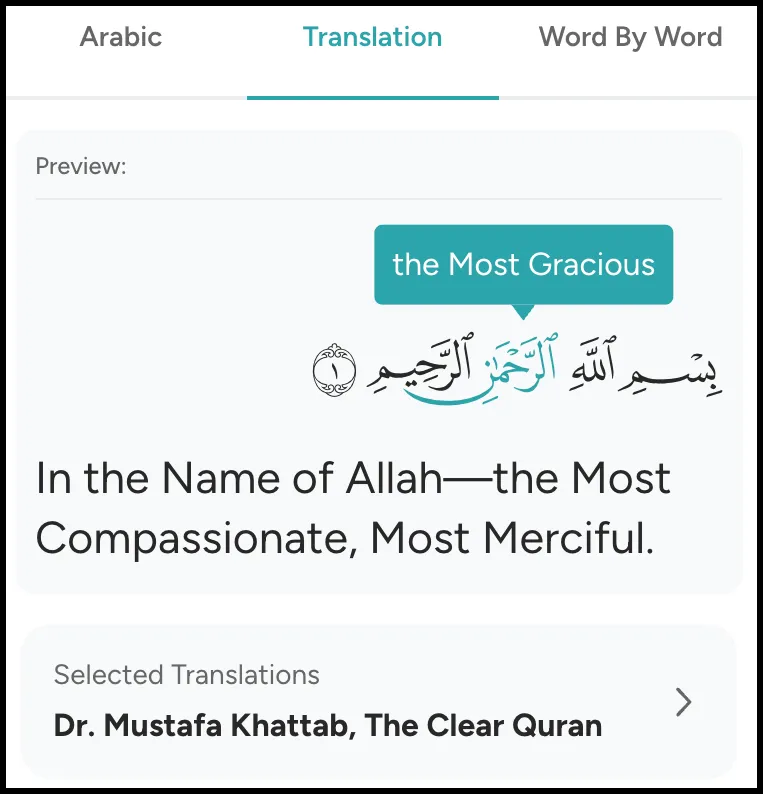
Select Your Preferred Translation
You can choose the translation you connect with most or even display multiple translations side-by-side for additional context and understanding.
Find a Reciter You Enjoy Listening To
Quran.com gives you access to a wide selection of reciters, allowing you to choose the voice and recitation style that resonates with you most.

Choose the Theme That Works Best for You
Your reading environment changes throughout the day, and your display preferences may change with it.
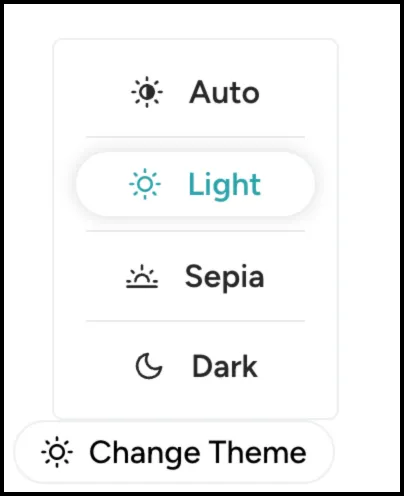
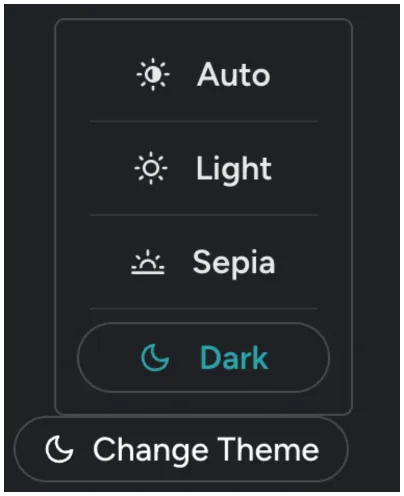
Quran.com offers both Light, Dark, and Sepia Mode, allowing you to choose the appearance that feels most comfortable.
You can switch between themes from the main navigation menu at any time.
Light Mode:
Dark Mode:
Explore Different Ways to Read
Quran.com includes several reading tabs that allow you to customize how you experience the Quran.
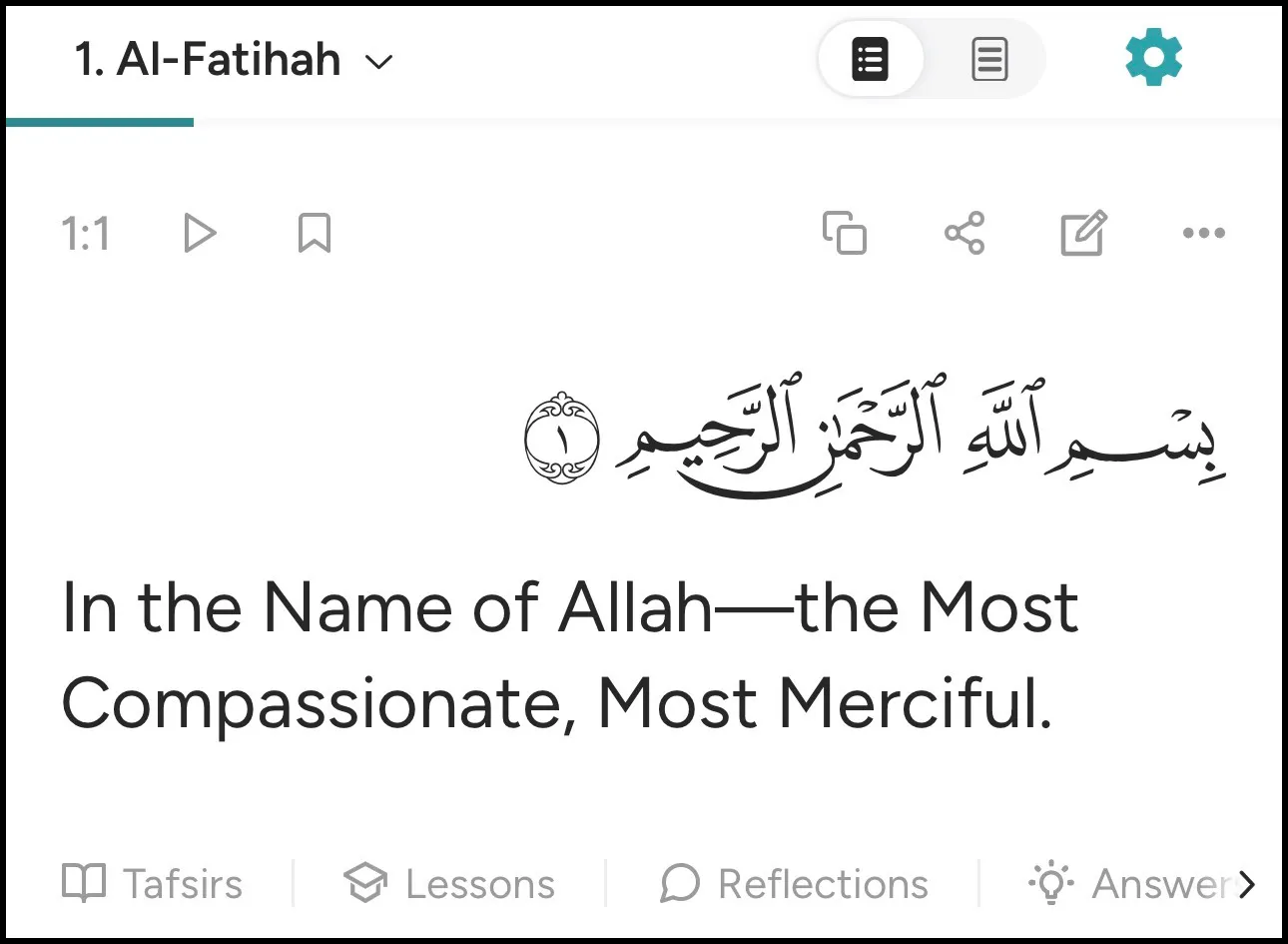
Verse by Verse helps you read each verse alongside helpful resources such as translations and study tools.
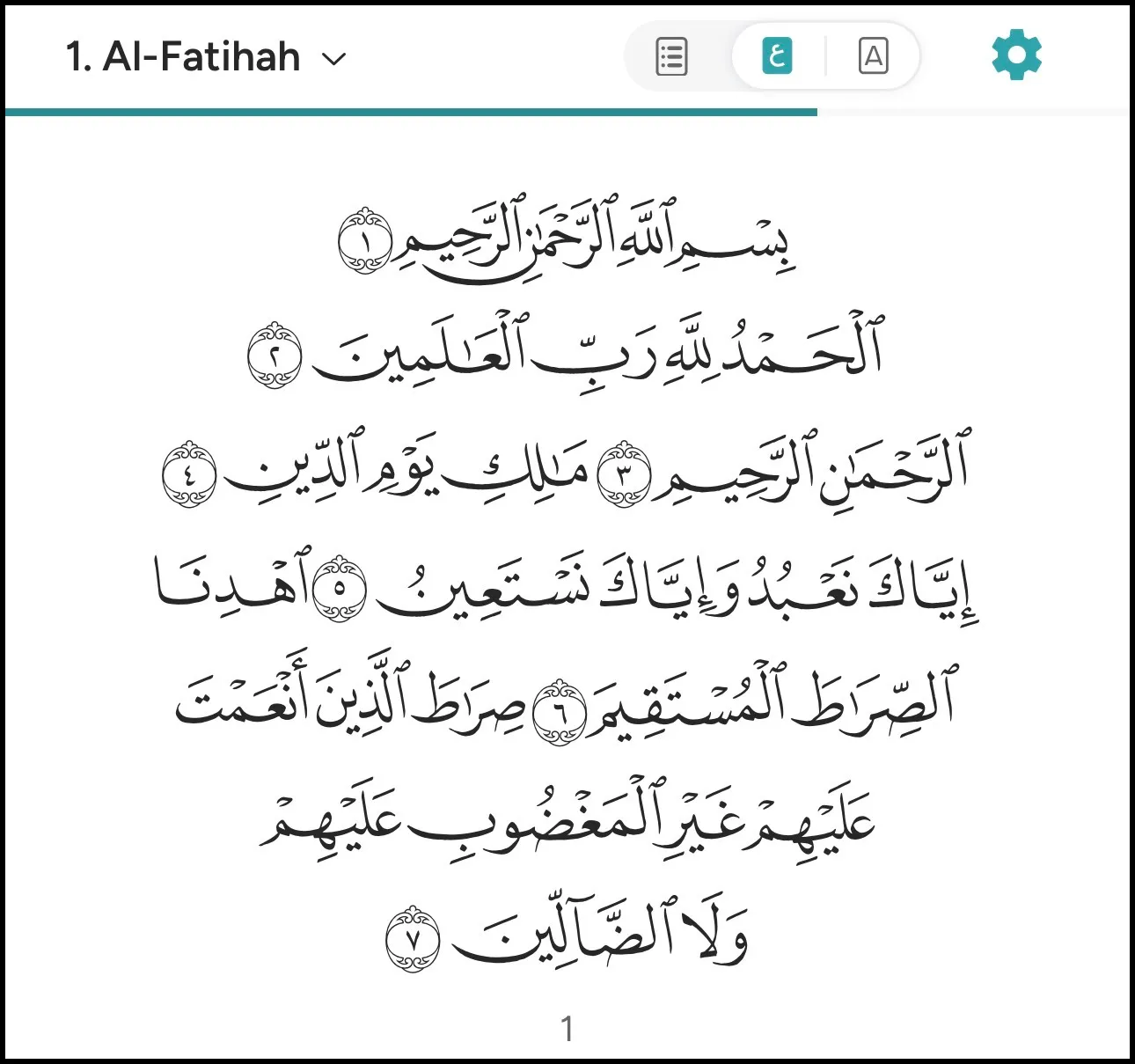
Arabic focuses on the original Arabic text of the Quran.
Translation allows you to focus on understanding the meaning in your selected language.
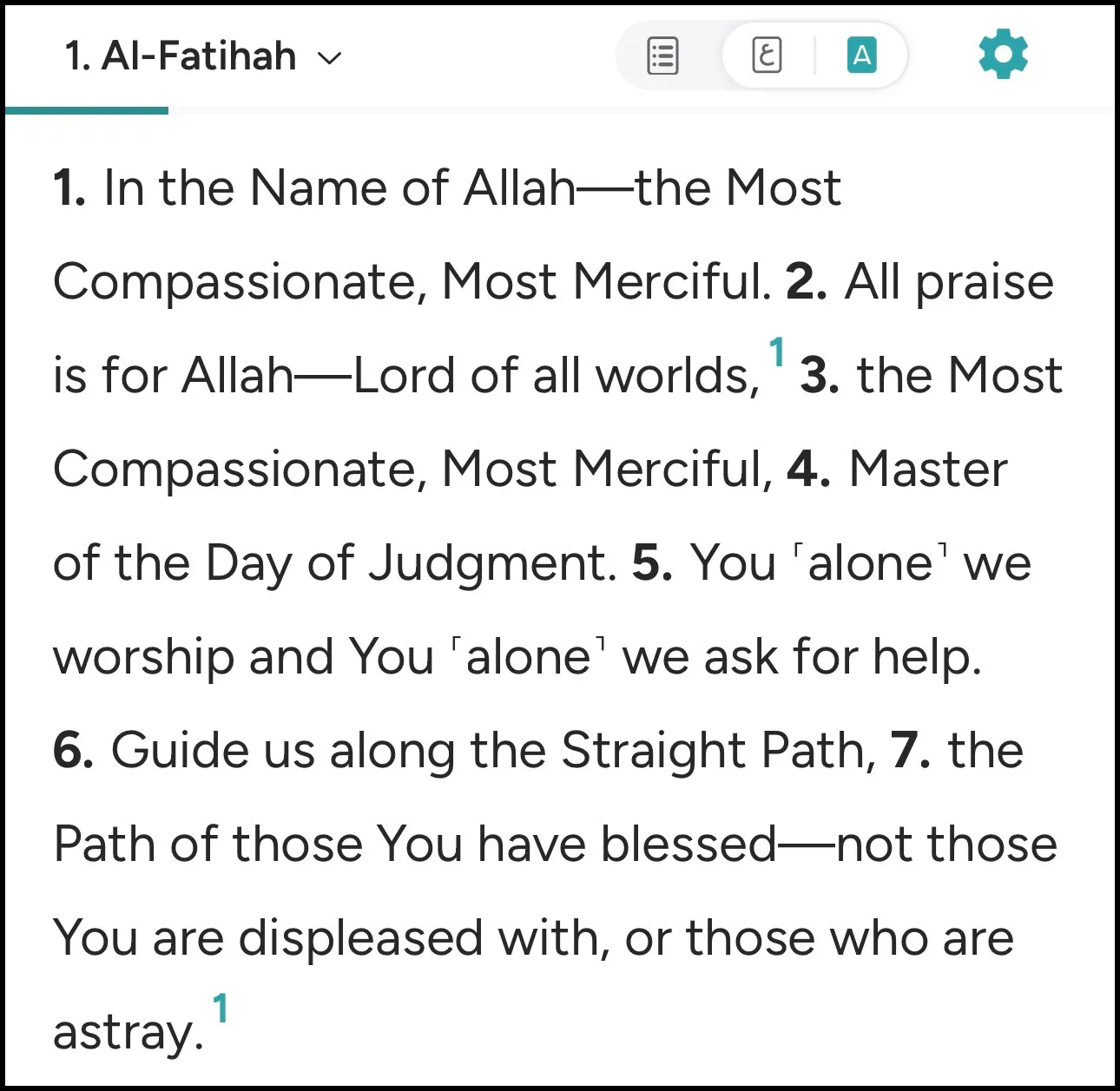
There is no single "best" option. Many readers use different tabs at different times depending on their goals.
If you're new to Quran.com, spend a few minutes exploring each view and see which one feels most comfortable and beneficial for you. You may discover that one layout helps you focus better, reflect more deeply, or simply enjoy reading the Quran more.
Create an Experience You'll Want to Return To
The best Quran.com setup is the one that helps you read more consistently.
Explore the settings, try different combinations, and make small adjustments until everything feels just right. Whether it's a larger font, a favorite reciter, a preferred translation, or a comfortable theme, these choices can help make your time with the Quran more enjoyable and beneficial.